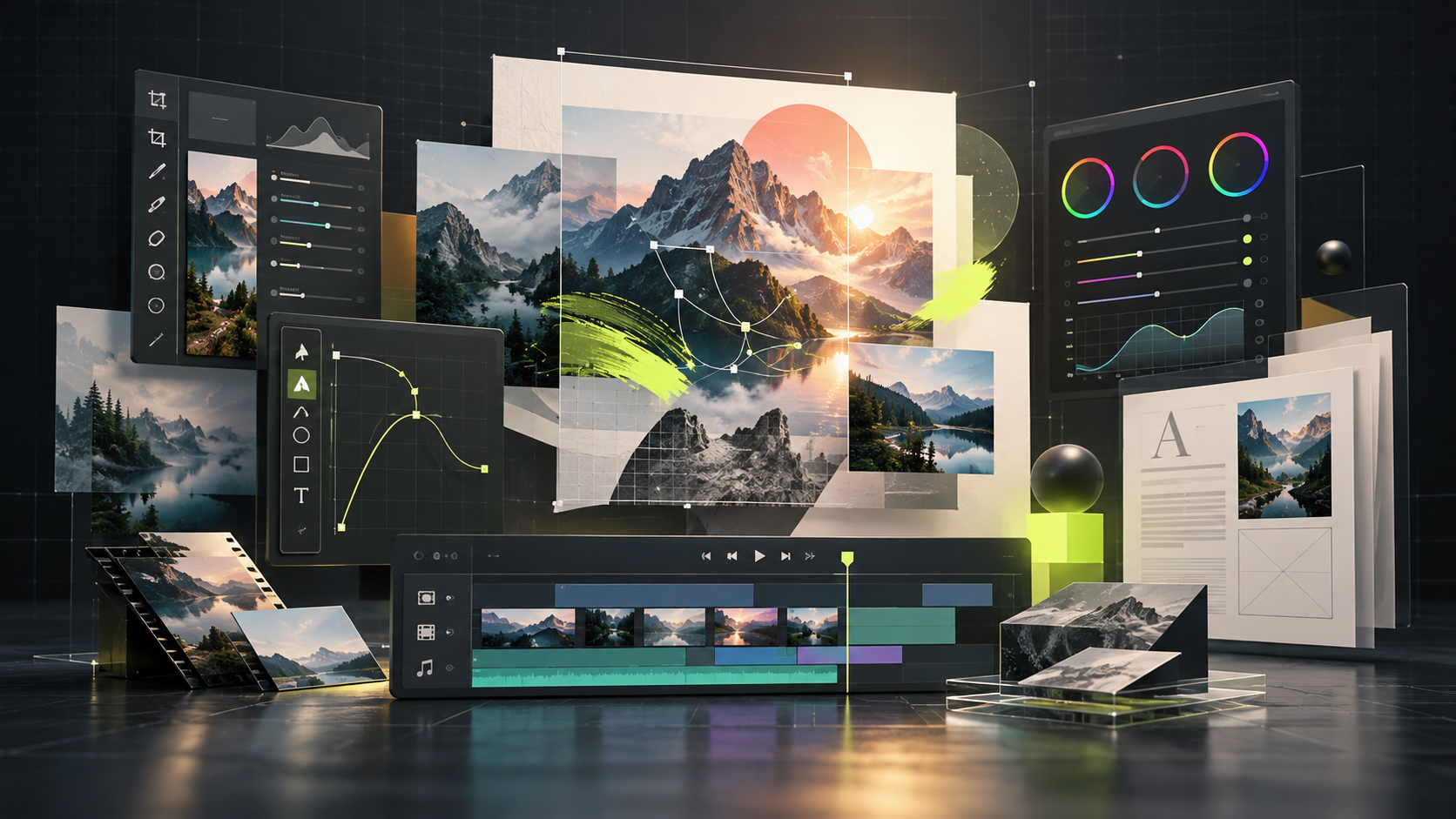
Use ArtCraft AI when the goal is generating and composing images, video, audio, 3D objects, or worlds. Use a Crafting App when the job resembles a focused desktop editor.
ArtCraft AI studio
The ArtCraft studio centers on generative models, 2D and 3D composition, character posing, scene layout, image-to-video, and related AI workflows. It is accessed through the main ArtCraft product.
The seven Crafting Apps
PhotoCraft, VectorCraft, FilmCraft, LightCraft, PdfCraft, EffectCraft, and DesignCraft are separate applications with their own repositories, releases, installers, and development maturity.
| Question | ArtCraft AI | Crafting Apps |
|---|---|---|
| Primary job | AI generation and composition | Focused creative editing |
| Typical input | Prompts, references, scenes | Images, video, RAW, PDF, layout files |
| Product shape | One creative studio | Seven independent applications |
| Start here when | You want to generate or stage media | You want an Adobe-style editing workflow |
Why this distinction matters
It prevents downloading the wrong product and keeps search terms such as “ArtCraft app” from collapsing two different workflows into one answer.