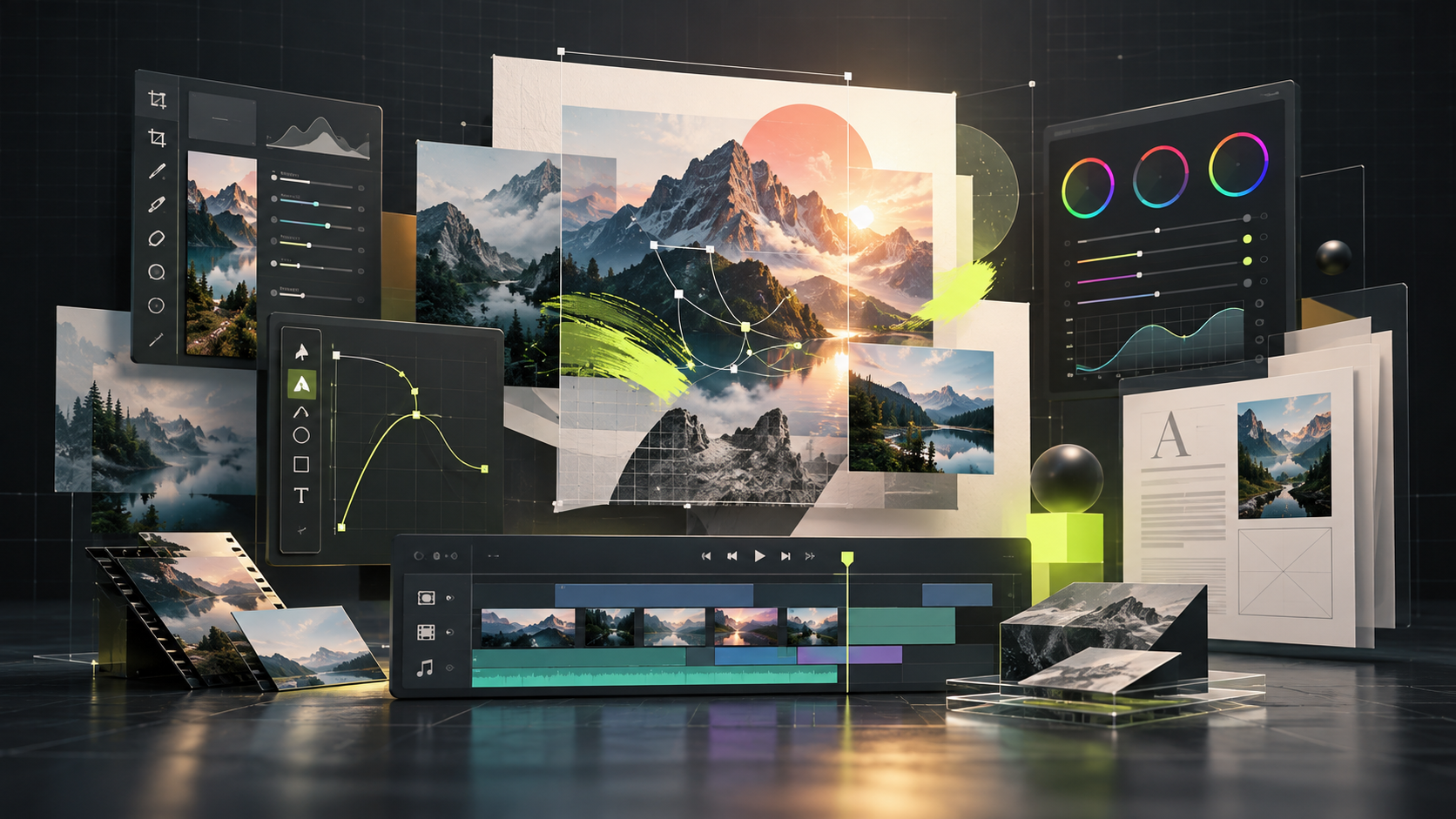
An early project for evaluation. Test component behavior, constraints, typography, collaboration, import, and export before real product work.
Independent guide
This page is not an official product page. Downloads should come from the developer’s official website or GitHub organization.
What FigCraft is trying to do
FigCraft is positioned as an open-source, native alternative to Figma. Its appeal is straightforward: familiar creative workflows, source code that can be inspected, local file handling, and support beyond the traditional macOS and Windows pairing.
What to test first
- Open copies of representative real-world project files, including the awkward ones.
- Make a small edit, save, close the application, and reopen the result.
- Export to the format used by clients, collaborators, printers, or archives.
- Compare visual output, metadata, fonts, color, audio, or timing as applicable.
- Repeat after each upgrade before moving important work to a new version.
Current recommendation
Treat FigCraft as software to evaluate and help improve. Do not make it the only copy of deadline-critical or irreplaceable work until your own tests cover the full workflow.