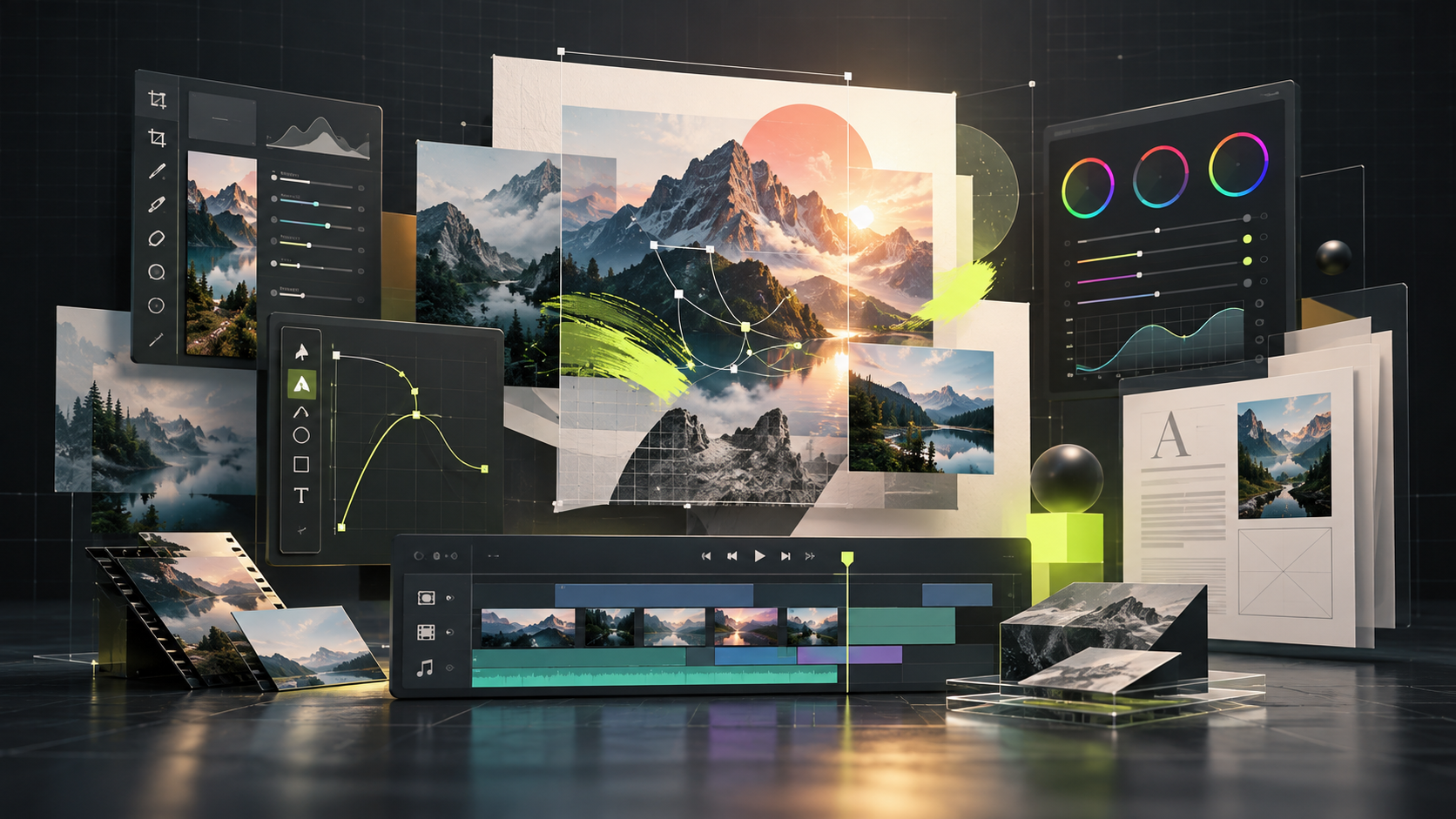
1. ArtCraft AI studio
Choose this route for AI image and video creation, 2D and 3D scene composition, and model-driven workflows. Its account, availability, and pricing are separate from the open-source Craft App Suite.
Open the official ArtCraft AI download page ↗
2. ArtCraft Launcher
Choose the launcher to install, update, and open the Crafting Apps from one place. It selects platform packages and checks downloads against published SHA-256 values.
Open the official launcher releases ↗
3. One standalone Crafting App
Choose an individual app when you do not want the launcher. Start from that app’s official product page or verified repository release and select the correct operating system and processor architecture.
Browse all 13 independent app guides →
Before opening an installer
- Confirm the hostname is
getartcraft.comorgithub.com/storytold. - Match the operating system, processor, and package format.
- Compare the file’s SHA-256 value when the release publishes checksums.
- Scan unfamiliar files and test early software with copied documents.