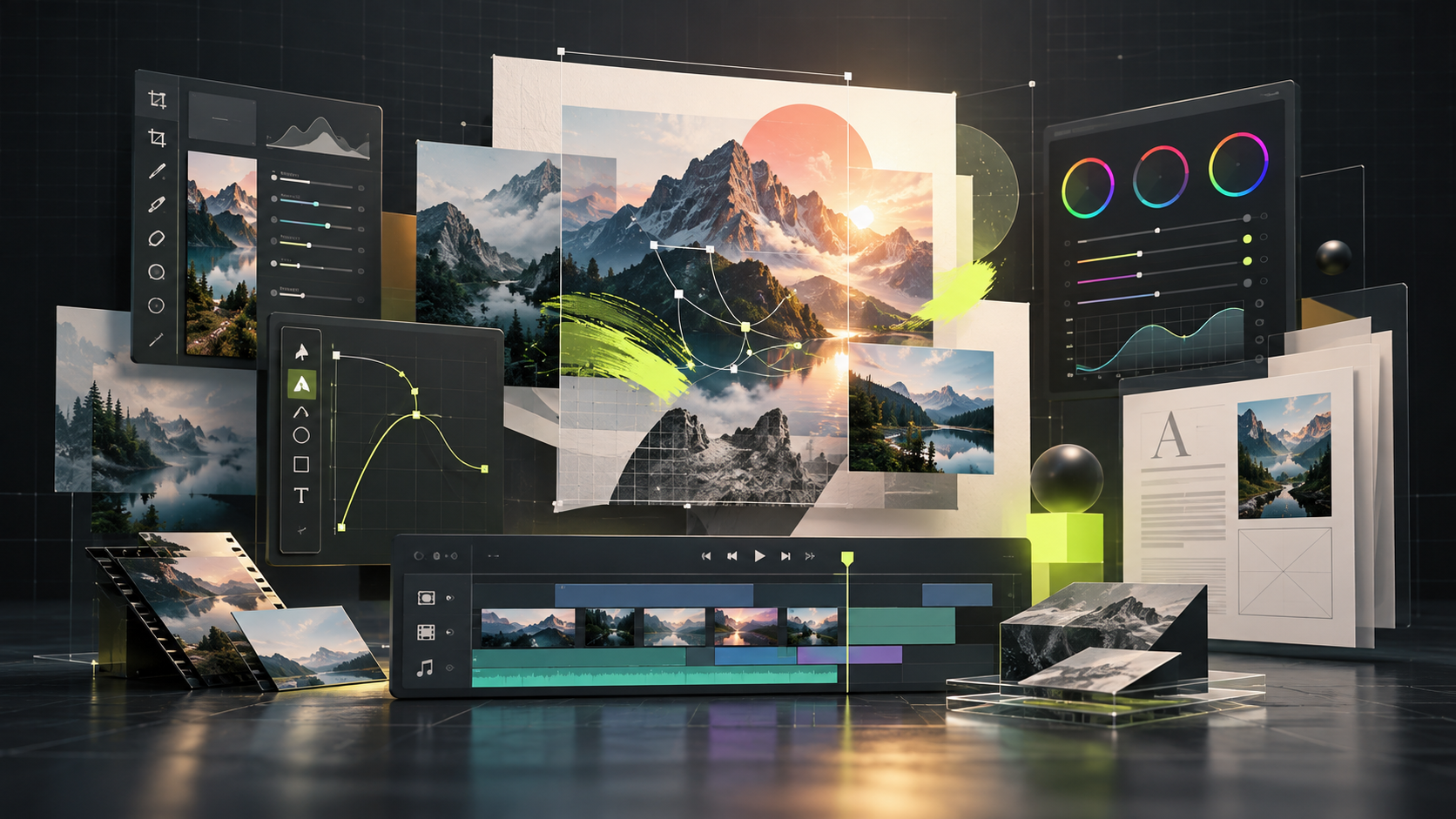
ArtCraft Launcher is the suite manager for the Crafting Apps. It selects a build for the current operating system and processor, installs apps in standard system locations, detects apps installed separately, and checks for updates.
Where to download ArtCraft Launcher
Use the official GitHub Releases page. We do not mirror the installer, wrap it in another downloader, or shorten the destination URL.
The main ArtCraft AI studio and ArtCraft Launcher are different products. The launcher manages the open-source Craft App Suite; it is not the ArtCraft AI desktop installer.
Not sure which product you need? Use the ArtCraft download decision guide before choosing an installer.
What it installs
The launcher covers the current suite directory: PhotoCraft, VectorCraft, FilmCraft, LightCraft, PdfCraft, EffectCraft, DesignCraft, FigCraft, WordCraft, SoundCraft, DeckCraft, CADCraft, GridCraft.
Platforms and package formats
- macOS: signed application bundles distributed through release disk images.
- Windows: Windows Installer packages, with portable builds available for individual apps where published.
- Linux: AppImage, Debian, RPM, Flatpak, or local installation paths depending on the release and distribution.
- FreeBSD and Web: availability varies by app and release; check the official assets before downloading.
Verification and current risk
The launcher repository says downloads are checked against published SHA-256 checksums before installation. That protects file integrity, but it does not make early-alpha software production-ready. Test with copies, review the selected package, and keep recoverable backups.
Is ArtCraft Launcher free?
The launcher source is published under permissive open-source licenses, and the Crafting Apps are presented as free and open source. Brand assets remain separately protected, so a modified fork cannot automatically reuse the ArtCraft identity.